
Construction & heavy equipment
Excavator Lights, Chosen by Working Area
Choose lights for the cab, boom and counterweight. Compare the beam, the mounting space and the voltage for each position.
01 · Working areas
Where to fit lights on an excavator
Choose a mounting area or lighting function below to see matching DXZ models.
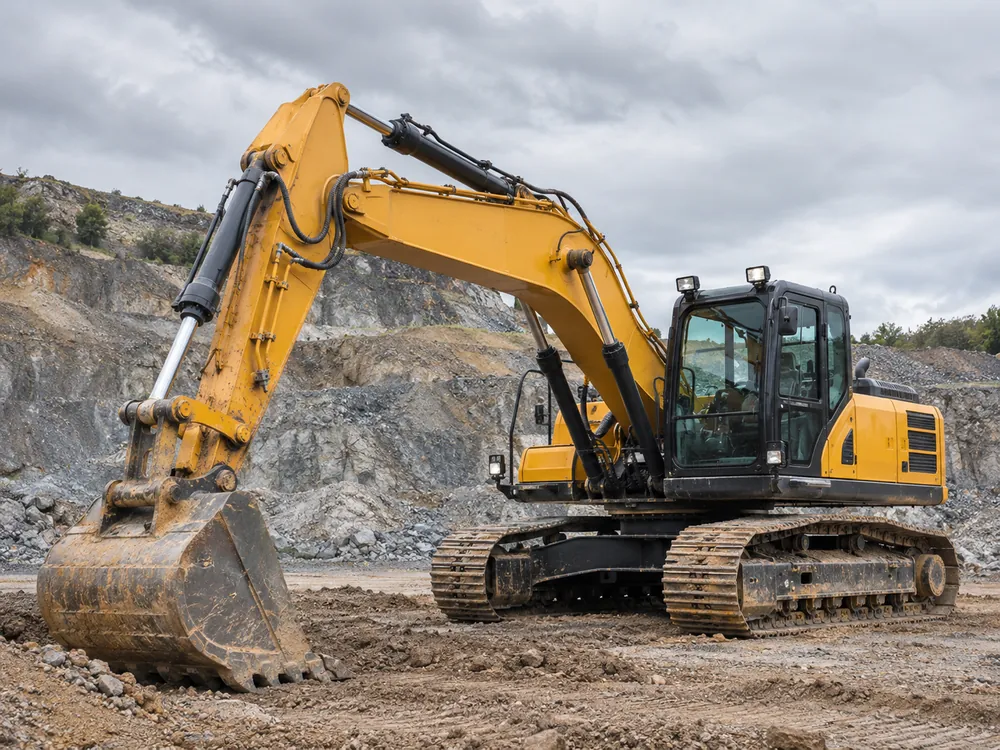
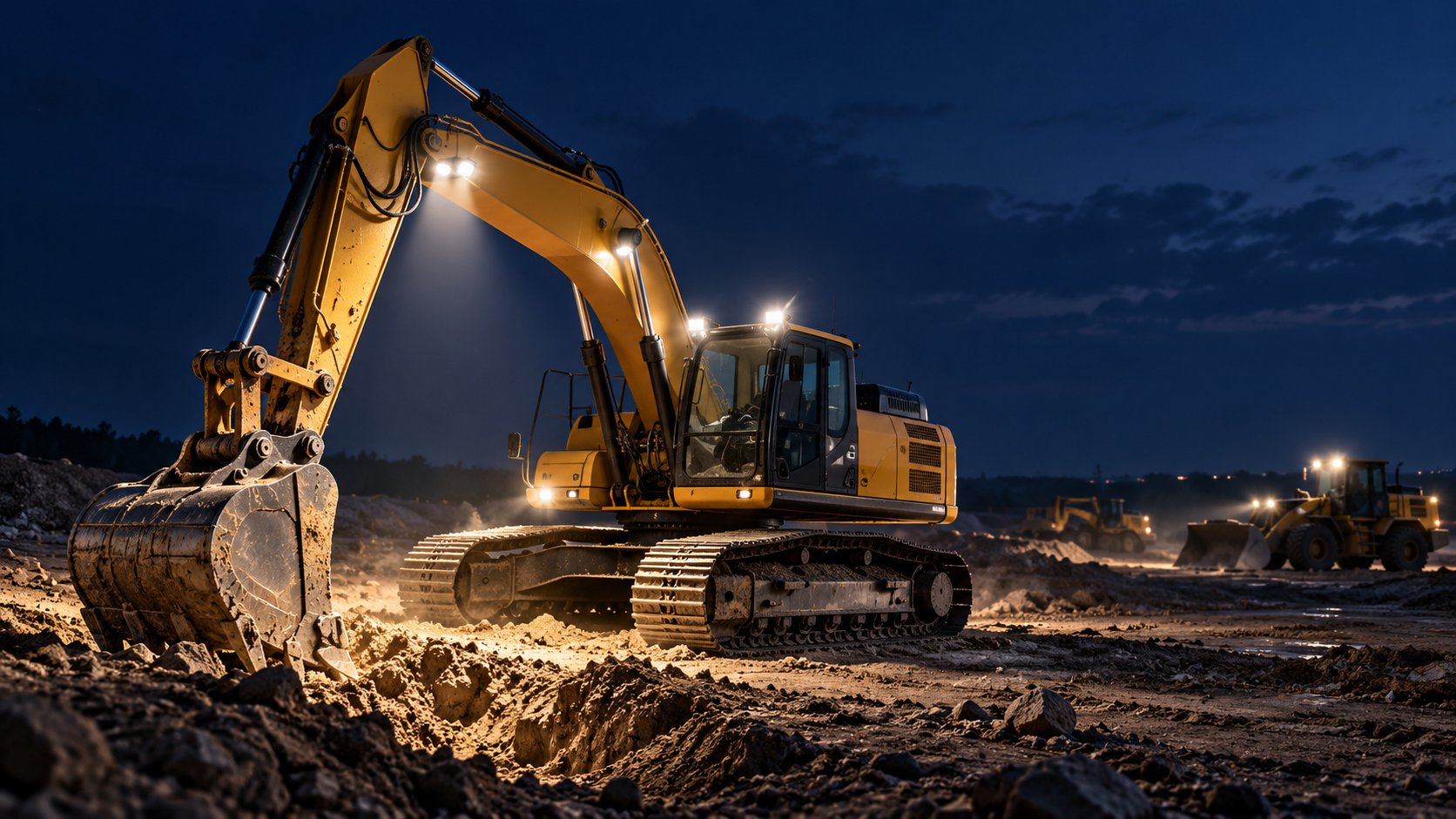
Cab, boom and counterweight on a tracked excavator.
- 1Cab roof and front bodyCover the ground ahead, the trench line and the loading area.See the models ↓
- 2Boom and stickBring the beam down to the bucket, tool or digging face.See the models ↓
- 3Counterweight and rear work areaCover the ground behind the counterweight and beside the tracks.See the models ↓
- 4Work lights with amber DRLChoose a white work beam with amber equipment identification.See the models ↓
- 5Warning and identificationChoose a warning bar or module for a visible mounting point.See the models ↓
02 · The range
Lights for excavator mounting
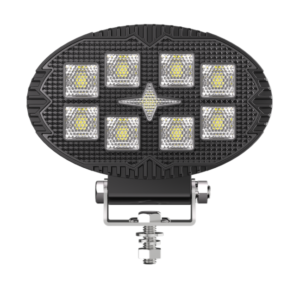
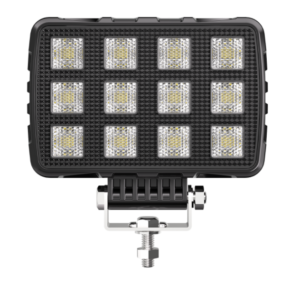
Compare work lights by mounting position, with separate rows for amber DRL and warning lights. Check voltage and dimensions on the page for your selected model.
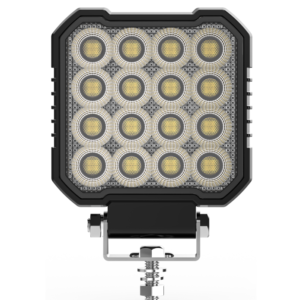
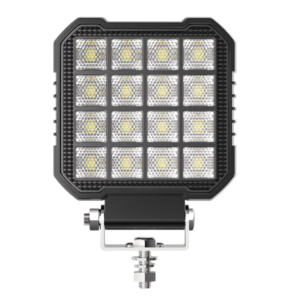
Cab roof and front body
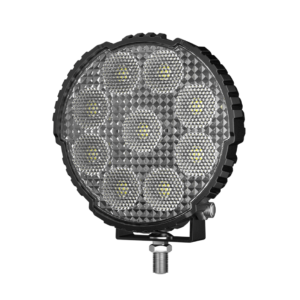
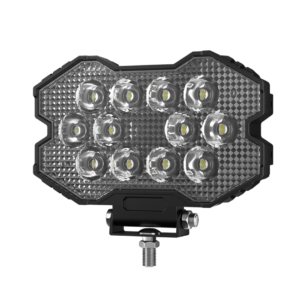
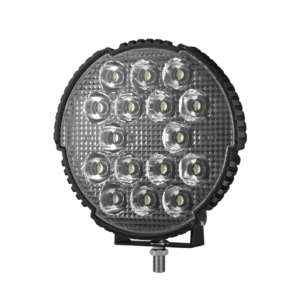
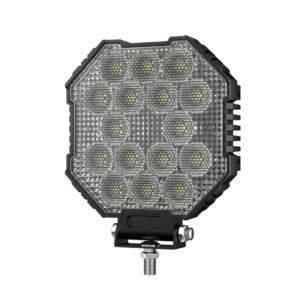
↑ Back to areasLight the trench line, the face ahead and the loading area. Start with flood for nearby coverage and compare spot for targets farther from the cab.
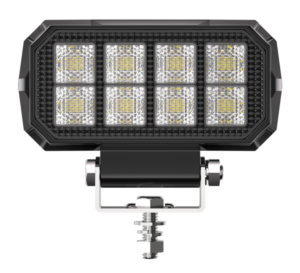
Boom and stick
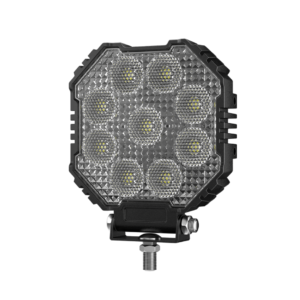
↑ Back to areasAim a compact light at the bucket or attachment. Check the lamp and cable through the full travel of the boom and stick.
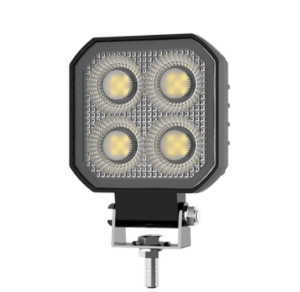
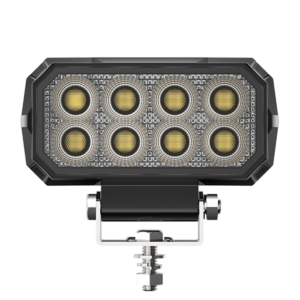
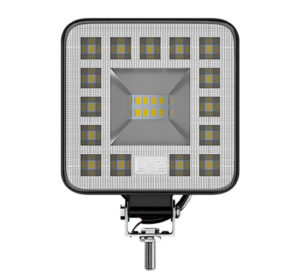
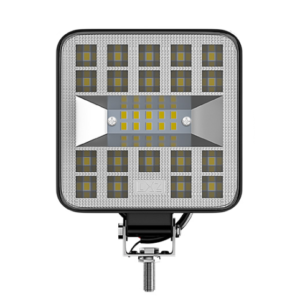
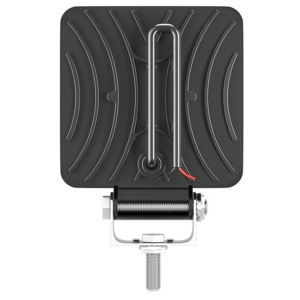
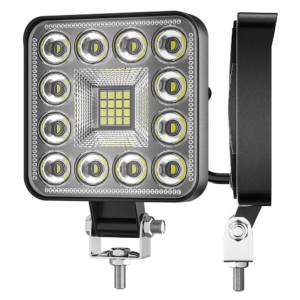
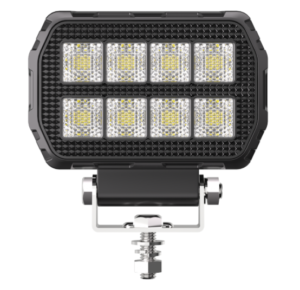
Counterweight and rear work area
↑ Back to areasUse flood optics to cover the ground behind the machine and beside the tracks. Check tail swing and room for the lamp housing.
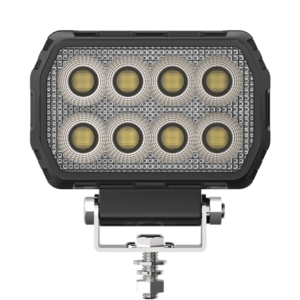
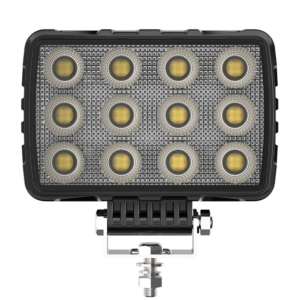
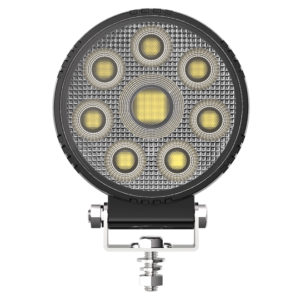
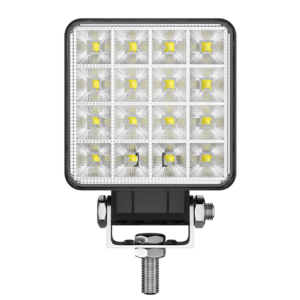
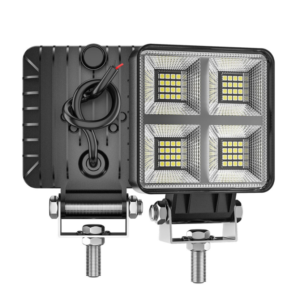
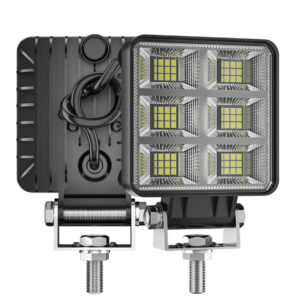
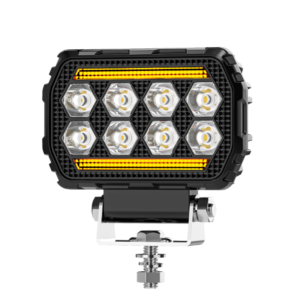
Work lights with amber DRL
↑ Back to areasChoose the white work beam for the task and the amber DRL for equipment identification. Confirm how each function is wired and controlled.
Warning and identification
↑ Back to areasChoose bars for an unobstructed mounting face, small modules for local visibility and steady markers for equipment identification. Check the required color, modes and sight lines for the site.
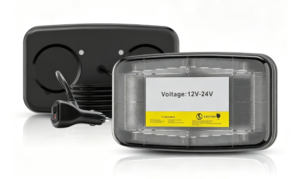
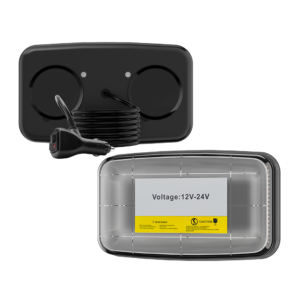
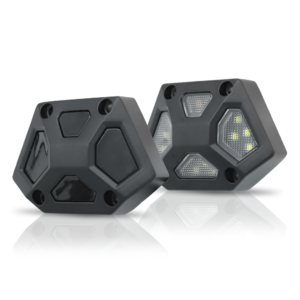
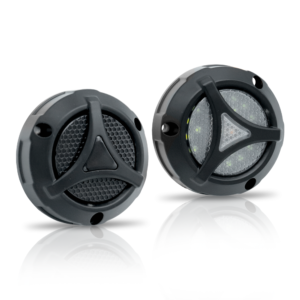
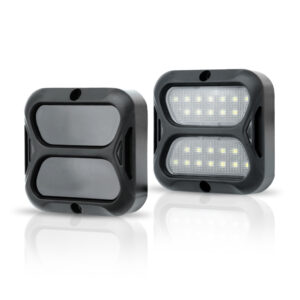
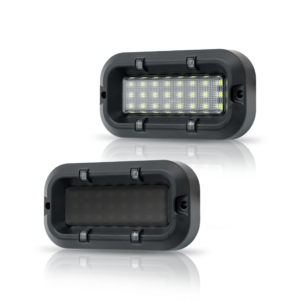
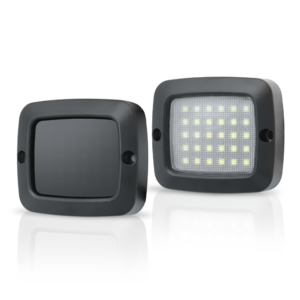
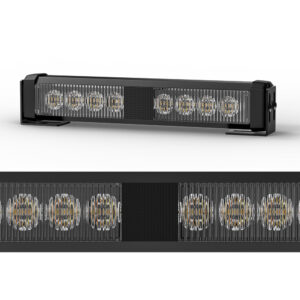
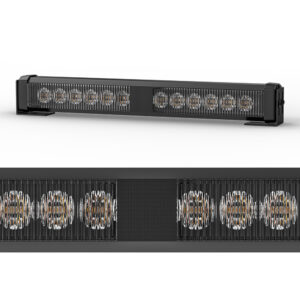
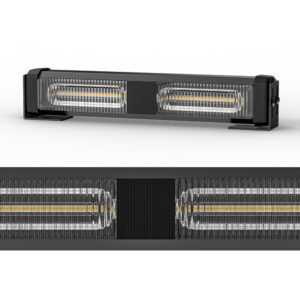

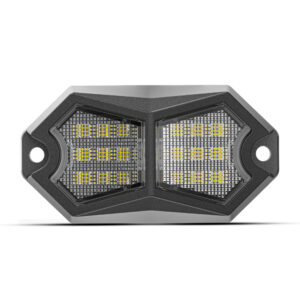
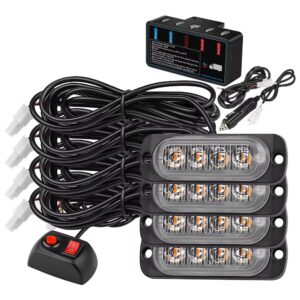
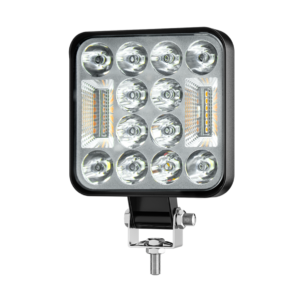
Check the product page for input voltage, current and enclosure rating. For a lamp with multiple beam options, include the variant in your enquiry.
Custom Work Lights for Excavators
DXZ adapts existing LED work lights and develops new designs for excavators and construction equipment. We start with the mounting position and the area the lamp needs to light.
Share a drawing, a mounting photo, or a reference lamp. We’ll review the mounting space and beam requirements with your team. For private label orders, we can also quote laser branding and custom packaging.
Explore DXZ Customization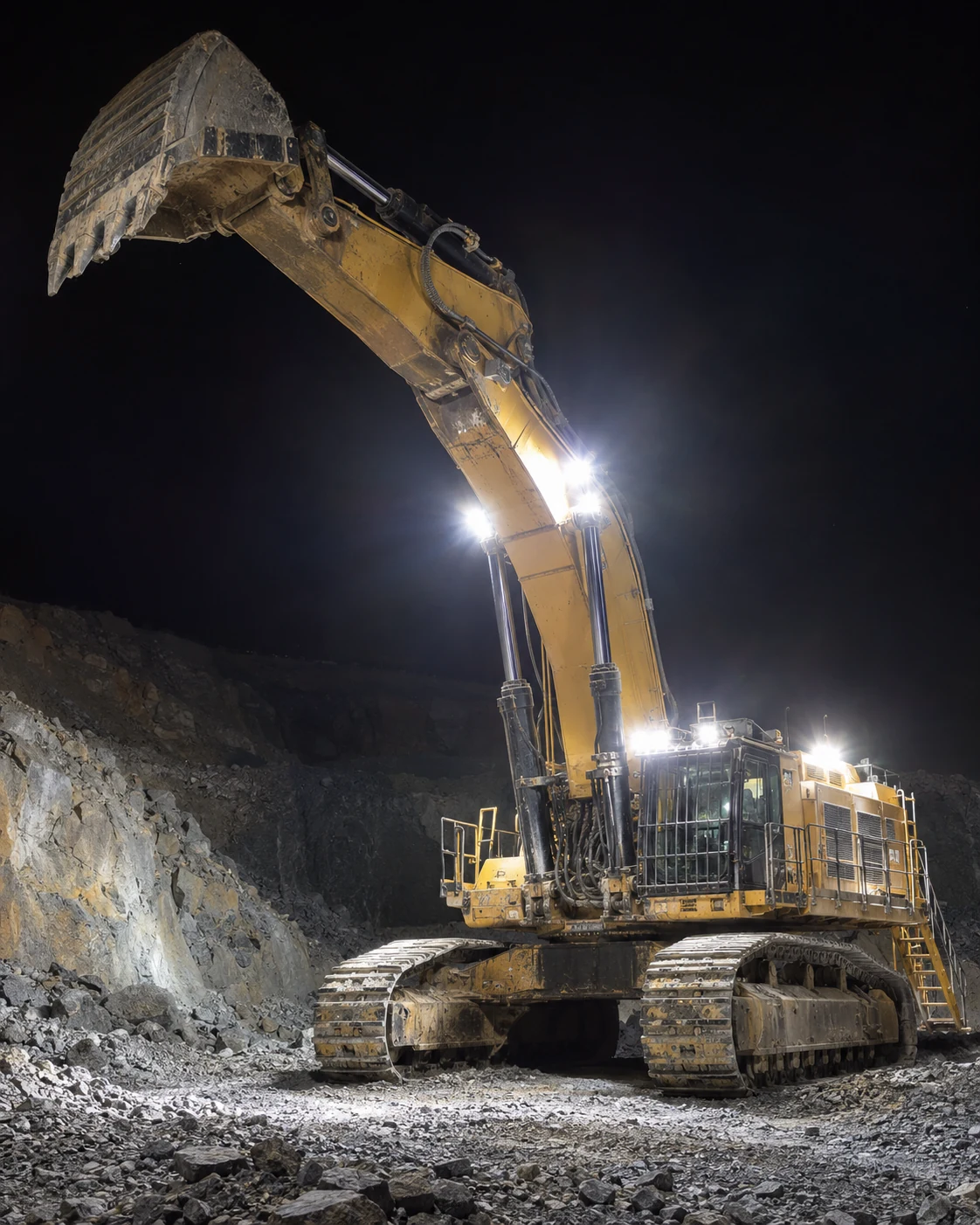
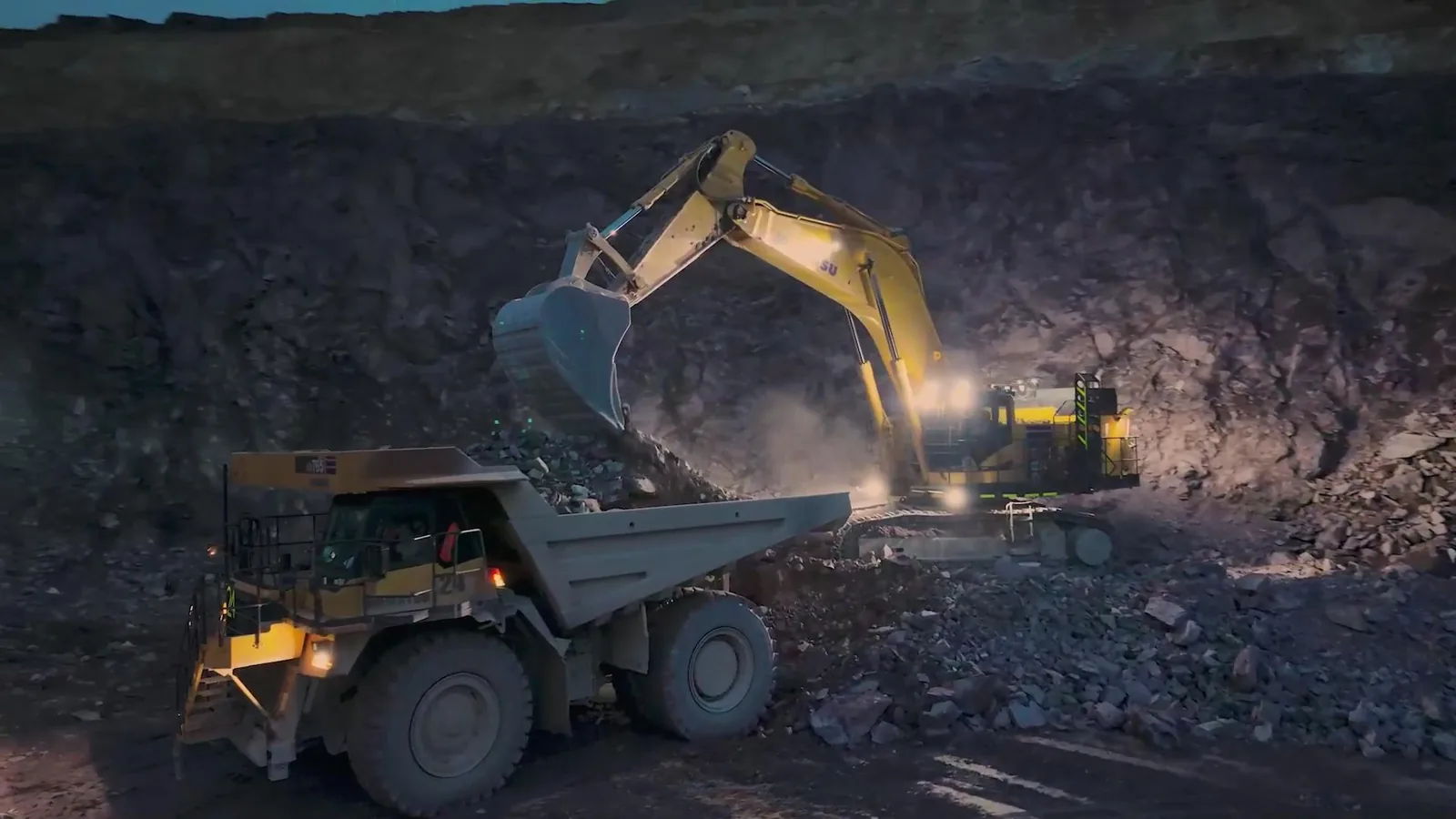
Let’s Talk Through Your Lighting Project
Share the excavator model, mounting position and work area. We can help you select a lamp and plan a sample for your machine or dealer range.
Discuss Your Project
What Excavation Work Demands from a Lamp
Excavator lights work close to dust, loose material and moving equipment. Choose the beam for the operator’s view and check the fit at the machine.
- Mud and wash-down. Check the enclosure rating and keep connectors clear of direct spray.
- Vibration. Check bracket rigidity and leave space for hoses and cables throughout boom travel.
- Long shifts. Check the electrical load and leave room around the housing for cooling.
- Glare. Aim the beam away from cab glass, mirrors, and nearby reflective panels.
Where the Lights Go
We help buyers match work lights to the equipment and the task.
- Cab roofs and front body panels
- Booms and sticks
- Buckets and attachments
- Rear counterweights
- Ground beside the tracks
- Visible warning light mounting points
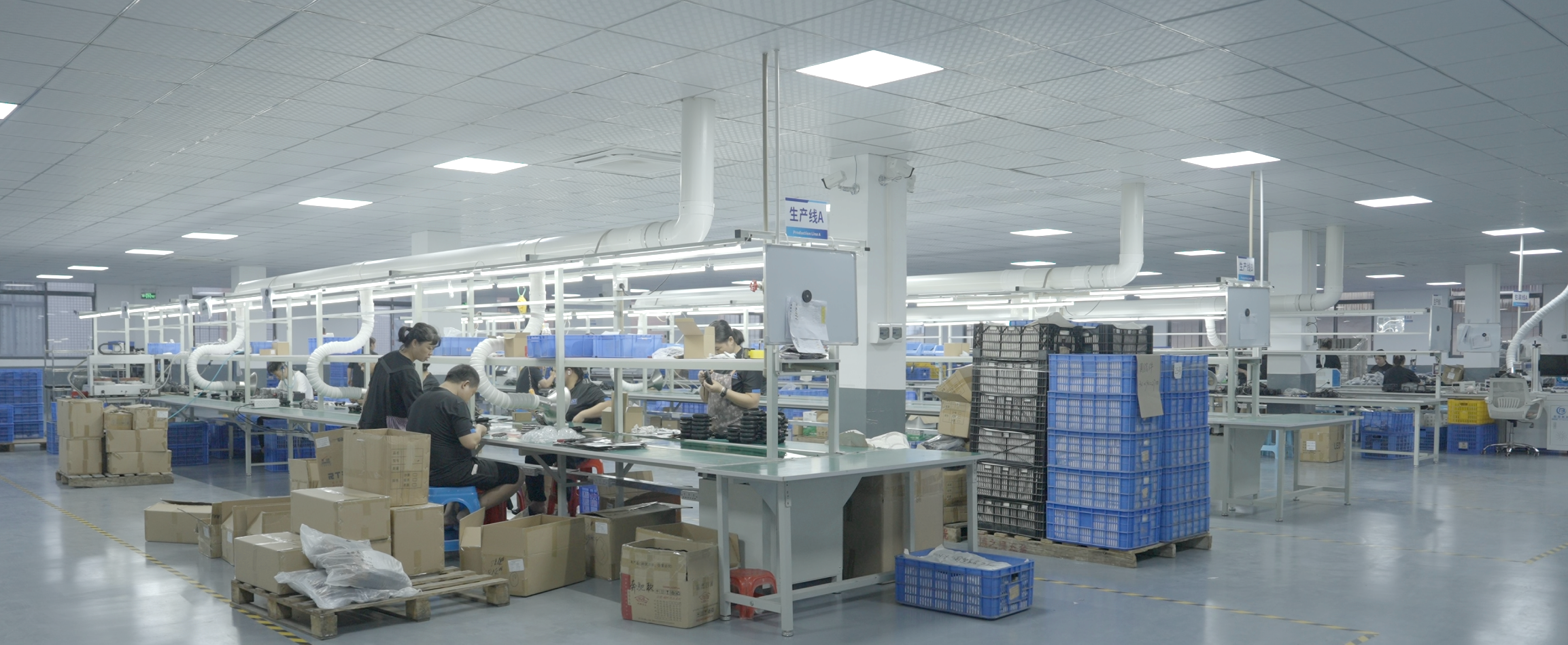
Work with DXZ from Sample to Order
Importers, dealers, private label brands, and retrofit shops can start with a sample and confirm the details before placing a bulk order.
- Choose the range. Compare flood and spot models for the equipment you sell or fit.
- Check the sample. Confirm the bracket clearance and beam coverage on the machine.
- Set up your brand. Confirm the logo, packaging, and order quantity for the chosen model.
- Get the right documents. Share the part number and destination market when requesting reports or certificates.
“I am satisfied as the quality is the same as the sample.”
How DXZ Tests Excavator Work Lights
DXZ uses its in-house lab to check beam performance and how work lights respond to dust, moisture and repeated movement.
- Beam coverage. We map where the light falls to assess coverage on the working face and around the machine.
- Light output. An integrating sphere measures luminous flux and colour temperature.
- Water and dust. Rain, dust, and sealing checks assess how the housing protects the lamp.
- Vibration. We check how the lamp assembly holds up under repeated movement.
- Temperature and humidity. Environmental tests assess how the lamp responds to heat, cold, and moisture.
- Corrosion and ageing. Lab tests assess corrosion resistance and performance over extended operation.
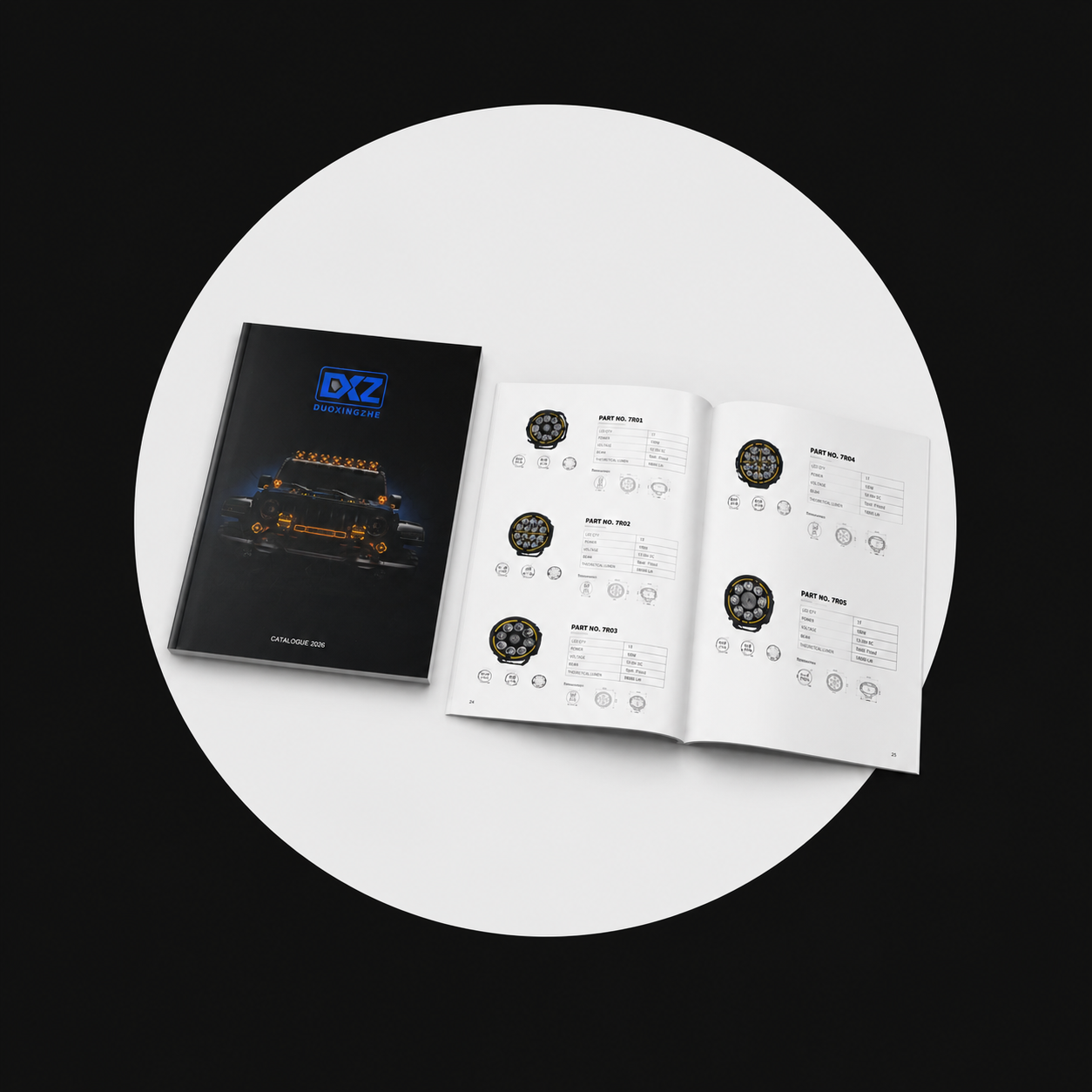 Download the DXZ Lighting Catalog for product ranges, specifications, and available configurations.
What DXZ Tests In-House
Our lab measures light output and beam shape and checks how lamps respond to environmental and mechanical stress.
Light Output
An integrating sphere measures luminous flux and colour temperature.
Beam Pattern
Photometric measurements show how the lamp distributes light across the working area.
Enclosure Sealing
Sealing checks assess how the enclosure protects the lamp against ingress.
Temperature & Humidity
Environmental testing checks how the lamp responds to temperature and moisture exposure.
Mechanical Reliability
Mechanical checks assess how the lamp assembly responds to stress.
Ageing
Ageing tests help the team assess performance over extended operation.
Work Light Guides
Choose an LED Work Light
Match beam, mounting, and power to the job.
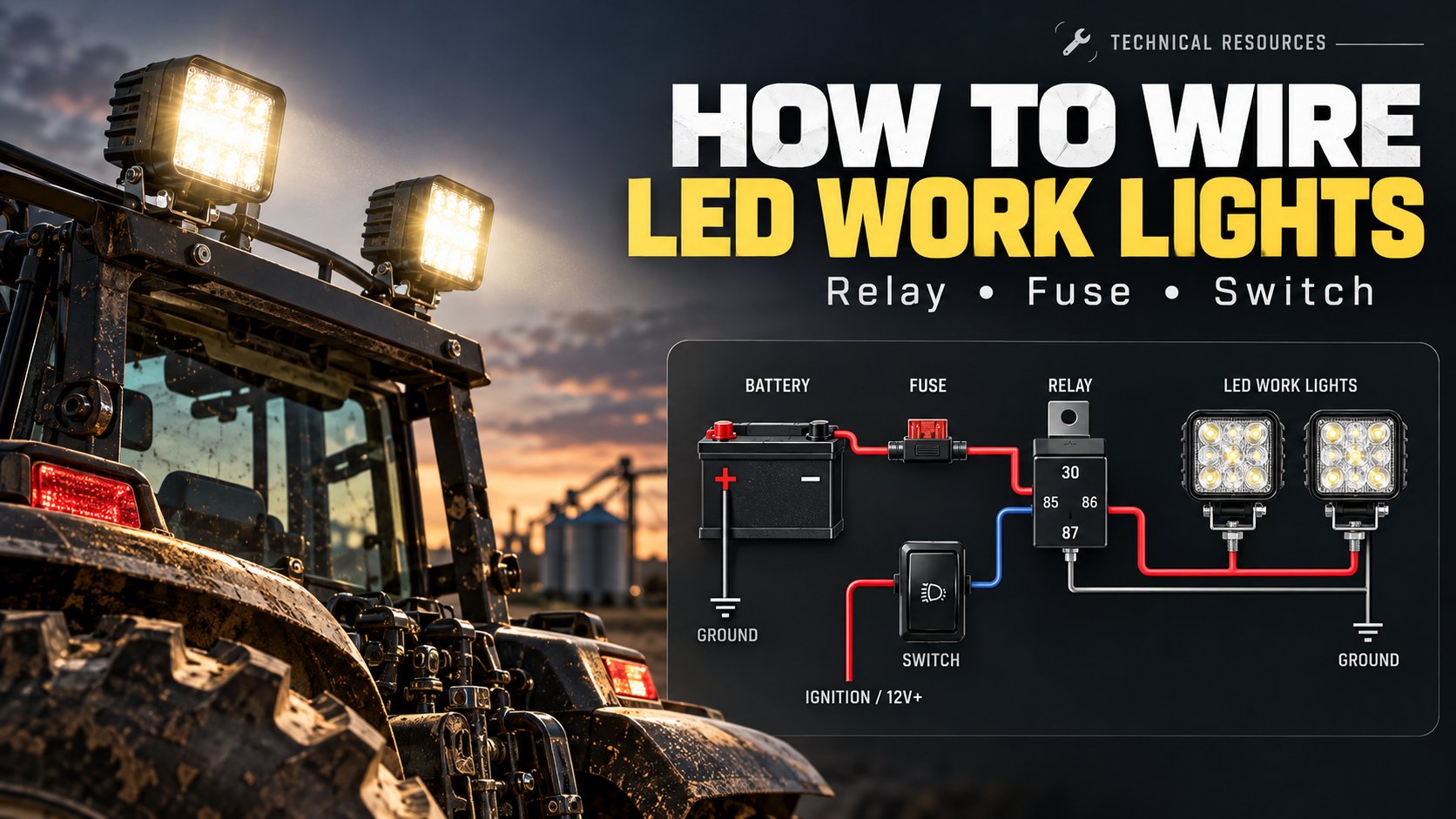
Wire LED Work Lights
Plan the relay, fuse, and cable run.
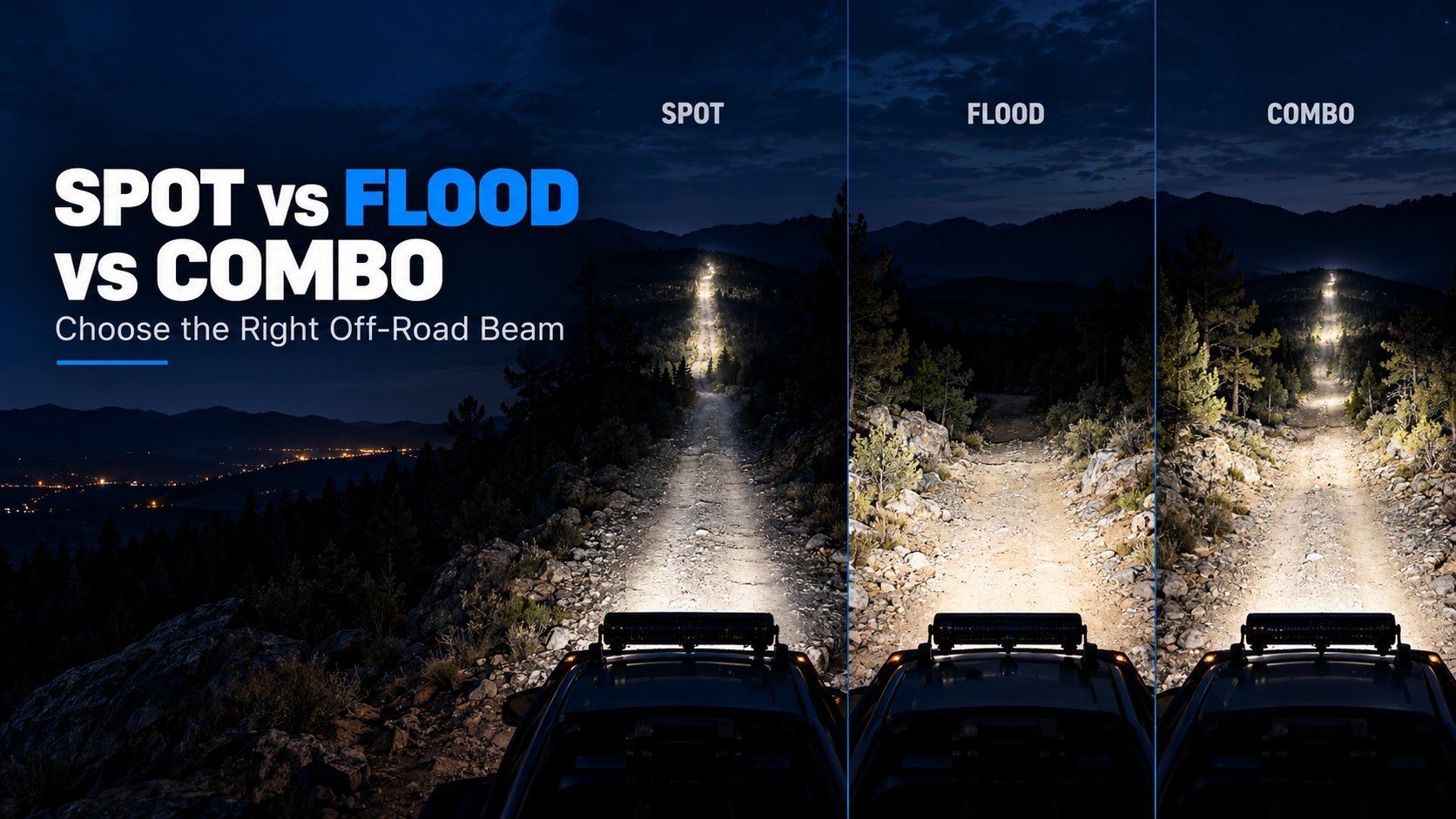
Compare Spot, Flood, and Combo Beams
See how beam shape changes where the light lands.
Request a Quotation
Send the equipment type, mounting position, working distance, supply voltage, and estimated quantity. Include any branding or packaging requirements.
Request a Quotation